read receipts
Your Email Opens Are a Lie, and Apple Is the One Telling It
Since 2021, Apple Mail pretends to open your newsletters for you. Good for your privacy, catastrophic for anyone still trusting open rates.
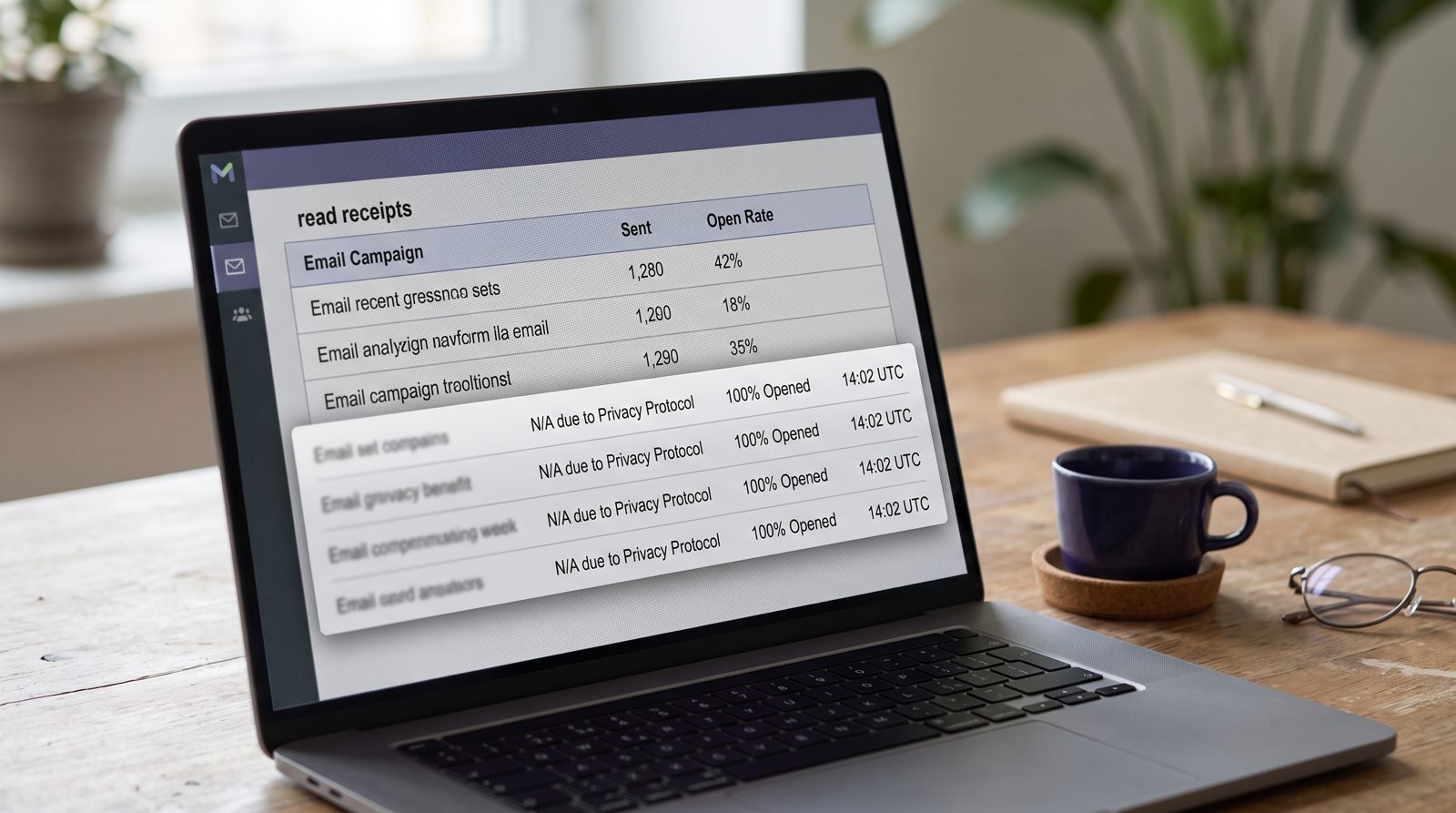
If you're on an Apple device and you use the built-in Mail app, the marketing team behind every newsletter you receive thinks you opened their last email — even the ones you deleted unread. Since September 2021, Apple's Mail Privacy Protection quietly fetches every tracking pixel through an Apple-controlled proxy, before you touch anything. The result: a fake open, at a fake time, from a fake location. It's real protection. It also broke the single metric email marketing was built on.
What does Apple Mail Privacy Protection actually do?
It pre-loads the invisible tracking pixel hidden in marketing emails, then strips out everything that pixel was designed to steal. Apple announced it at WWDC in June 2021 and shipped it with iOS 15 that September. When you have it on, Mail routes the request for that 1x1 image through Apple's own servers, so the sender learns nothing useful.
The pixel is an old trick. A marketer embeds a tiny image with a unique URL; when your mail app loads it, their server logs that you opened the message, roughly when, your IP address (which gives rough location), and what device and client you used. That's how they build the "open rate" and guess where you live.
Apple's proxy neuters all of it. The IP becomes a generic Apple address in your broad region. The timestamp becomes the moment Apple fetched the pixel, not the moment you read. And crucially, it fetches that pixel whether you open the email or not.
So how does it create a fake open rate?
Because Apple loads the pixel automatically, the sender's server records an "open" for mail you never looked at. Multiply that across a list, and the number marketers have trusted for twenty years turns to noise.
The scale is the problem. Litmus, which tracks what email clients people actually read mail in, puts Apple Mail's share of all email opens well north of 50% — meaning more than half of every tracked open now comes from a client that may be faking it. A campaign that genuinely got 20% of people to open can report 40% or higher, inflated by Apple's pre-fetching bots.
That ripples outward. "Open" was never just a vanity number. Marketers used it to trigger re-send campaigns, to decide which subject lines worked, to prune dead subscribers, and to time sends by when someone usually reads. Feed that machine fake opens at a fake hour and every downstream decision drifts. A/B tests on subject lines are now partly measuring Apple's fetch schedule, not human curiosity.
Does this actually protect you, or is it theatre?
It protects you, and it's the rare privacy feature that costs you nothing to use. You don't configure a thing beyond tapping "Protect Mail Activity" the first time Mail asks. No tracker sees your real IP, your real read time, or whether you opened at all. For once the default is the private option.
The honest caveat: it only covers the pixel, and only in Apple's Mail app. Click a link inside the email and you've just handed the sender a fresh, real signal — your tap, your IP, your device. Open that same newsletter in Gmail's app or a browser and the protection doesn't apply. And it does nothing against the uglier mail in your inbox: a pixel-blocker won't tell a real invoice from a forged one, which is the kind of judgment an AI that flags invoice fraud is built for.
The quiet verdict: Apple did something genuinely pro-user and, in the same move, salted the earth under an entire industry's favorite metric. Marketers spent two years rediscovering that clicks, replies and actual purchases were the numbers that meant anything all along. The open rate was always a little bit of a story we told ourselves. Apple just made it an obvious one.
Sources
- Apple Newsroom — WWDC 2021 announcement of Mail Privacy Protection with iOS 15
- Litmus — email client market share, Apple Mail's share of tracked opens
- Apple Support — how Protect Mail Activity works and how to enable it