read receipts
The Blue Checkmark in Gmail Confirms a Logo, Not a Lie
Google's verified-sender badge proves a brand passed DMARC. It says nothing about whether the sender is telling you the truth.
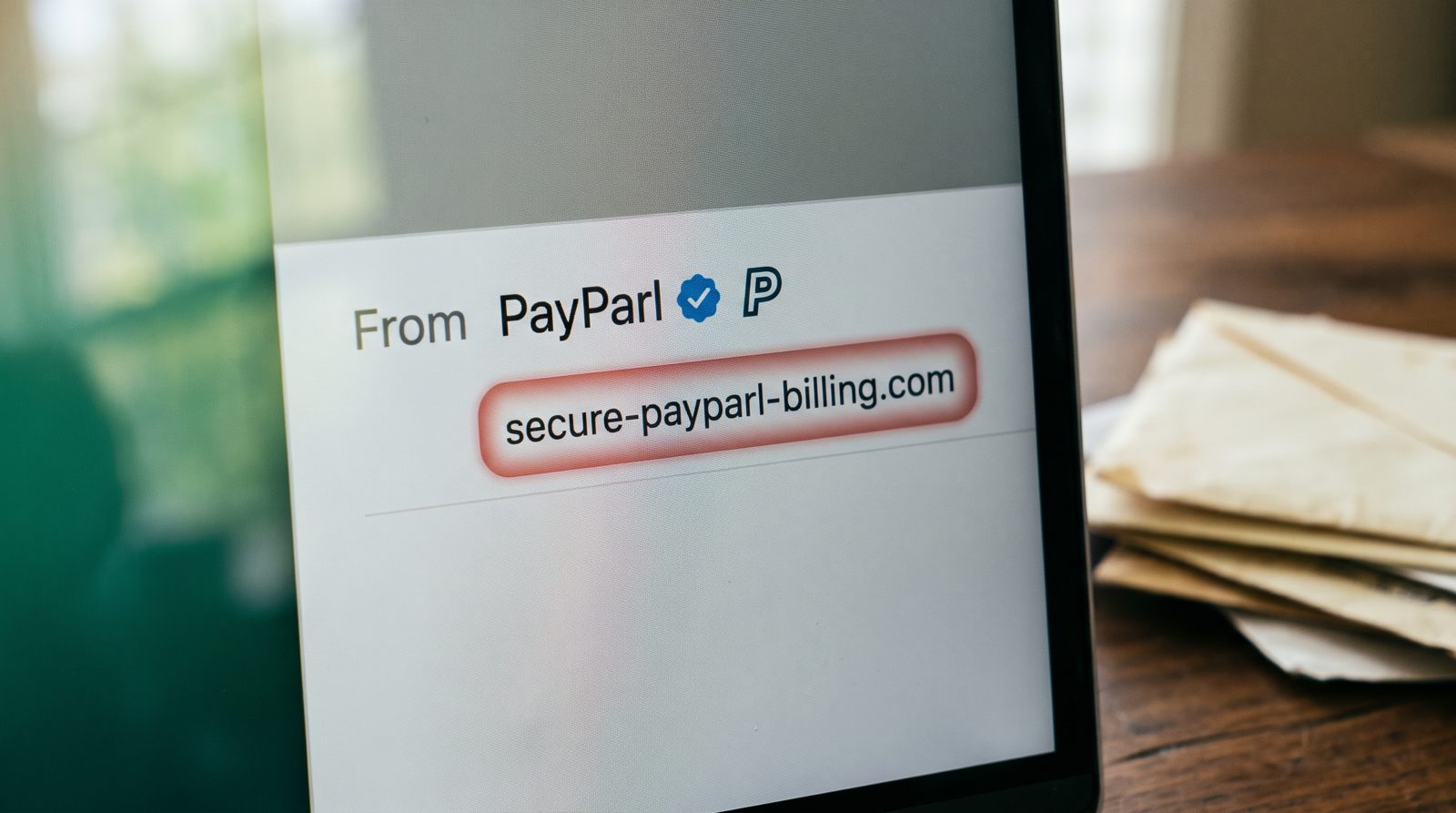
That blue checkmark next to a sender's name in Gmail does not mean the email is safe. It means one thing only: the logo you're looking at belongs to a company that paid for a trademark certificate and set up its email authentication correctly. Google turned the feature on for everyone in May 2023. Scams that spoof trusted brands are decades older — and already finding ways to earn the exact same badge.
What does the Gmail blue checkmark actually verify?
It verifies that a sender's logo matches a registered trademark and that the message passed DMARC. Nothing more. The system is called BIMI — Brand Indicators for Message Identification — and it works like a chain. First the brand publishes DMARC with an enforcement policy (quarantine or reject). Then it buys a Verified Mark Certificate, or VMC, from an authority like DigiCert or Entrust, which checks that the logo is a trademark registered with an office such as the USPTO or EUIPO. Google reads all of this and, for qualifying senders, shows the logo plus a checkmark.
So the badge is a statement about plumbing and paperwork. It confirms the domain is who it claims to be and the logo is legally theirs. It does not read the email. It cannot tell an honest invoice from a fake one coming from a real, properly authenticated account.
Can a scammer get the same checkmark?
Yes, and the method is boringly legal: register a lookalike trademark on a lookalike domain, then do the authentication homework properly. BIMI's own specification, maintained by the BIMI Group, requires a trademark and clean DMARC. It never promised to judge intent. A VMC verifies that you own the mark you're showing — not that you're a company anyone should trust.
Think of a brand called "PayParl" or "Amazom," trademarked in a jurisdiction with light examination, on a freshly bought domain with textbook SPF, DKIM and DMARC records. Pass the checks, buy the certificate, and Gmail hands over the same checkmark your bank gets. Security researchers flagged exactly this risk when the feature launched. The badge rewards process, and process is something a patient fraudster can follow as well as a Fortune 500 security team.
So what should I actually look at?
Look at the sending domain and the request, not the badge. The checkmark tells you a logo cleared a bureaucratic bar. Your money and your passwords live in the body of the message. The U.S. FBI's Internet Crime Complaint Center logged $2.9 billion in business email compromise losses in 2023 — much of it from accounts and domains that would sail through authentication, because the criminals were using real, verified infrastructure, not forging it.
Three habits beat the badge. Read the full address, not the display name: a checkmark next to "Netflix" from a domain you don't recognize is the whole tell. Treat any message that creates urgency around payment or login as hostile until proven otherwise. And when a tool summarizes a message and flags the mismatch for you — an AI advisor that flags scams does this before you click — let it. The checkmark answers "is this logo real?" You still have to answer "is this request real?" — and those are not the same question.
Sources
- Google Workspace Blog — verified sender checkmark rollout, May 2023
- BIMI Group — BIMI specification and VMC requirements
- FBI IC3 2023 Internet Crime Report — business email compromise loss totals